It's been a fifteen-year odyssey, from the first steps in 2009, when this blog launched -- when the art was simple, naïve, filled with the beginner's unavoidable errors -- to the present, when the work speaks for itself. I've wandered in and out of CG work, and these days I tend to concentrate more on digital painting ... in 2024, I'm still mostly a photographer, though writing is becoming more important each year, since I "turned pro" with story placements in the professional Science Fiction press. But I always find myself coming back to art, to painting. Yeeees, like everyone else, I've looked at AI. In all honesty, I don't really care for it, on so many levels, but on a "know thine enemy" scouting assignment, at least I took it for a spin and learned WHAT I don't like, and WHY. So here we are, fifteen years and more since the blog launched, and it's still here ... and I'm still here! We're both battle scarred, but the blog is currently in fairly excellent shape, after many, many hours of work to rid it of dead links, missing images, references to sites and blogs that no longer exist. Done. "Adventures in 3D and Digital Painting" is now firing on all cylinders. We're ready to roll -- and my new art gallery site is about 80% done too. I'm loading content, and it'll launch soon. 2024 is a whole new year ... I've promised myself, I'll try to make it a good one!
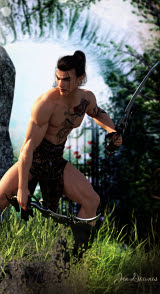
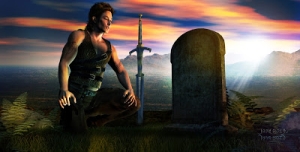
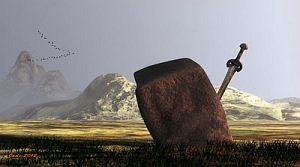
Archer in the Dawn
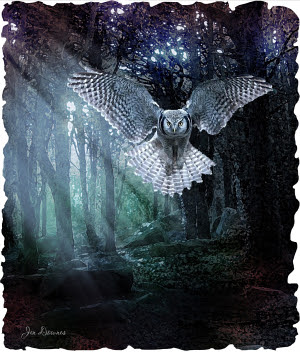
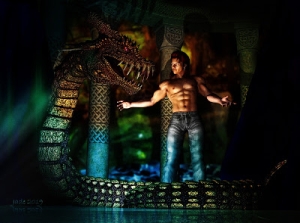
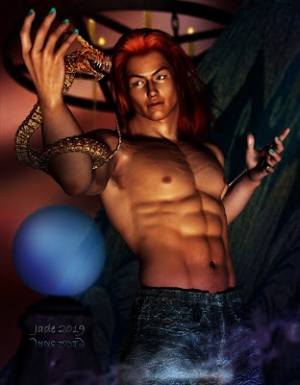
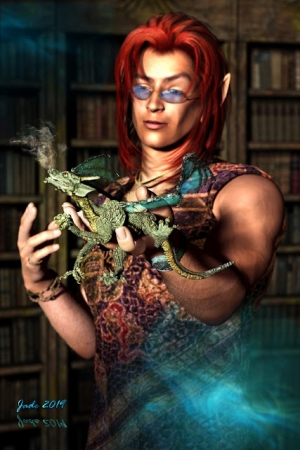
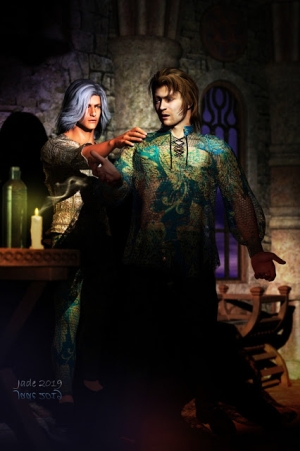
The Dragon Whisperer
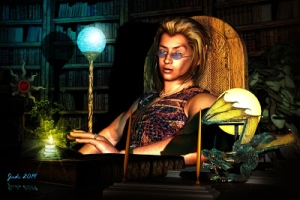
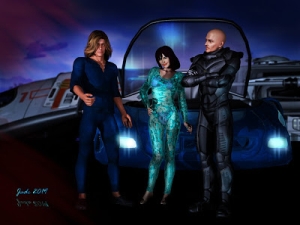
The Pilot
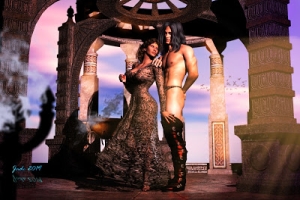
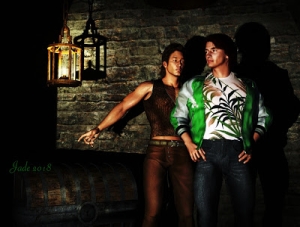
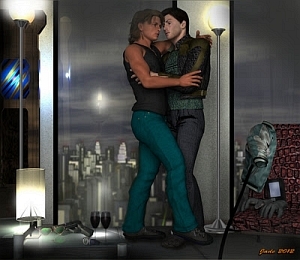
Partners
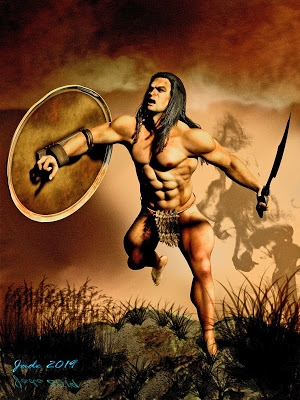
Swordmaster
Odinson
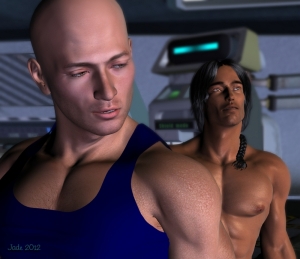
Space Pirate
Mean and Green!
Suited Up
Where the magic happens these days: Studio 4.14
Yes, I've made the transition. The new computer has fixed the major problems. I'm just exiting the experimental zones right, and creativity has actually recommenced
Here is where the magic used to happen
Note: I've changed to Studio 4.14 now, but most older art on the blog was produced in good old DAZ Studio 3! Studio 4.14 is now playing nice: I CAN save a file, which I couldn't before getting the new computer! New posts will feature images rendered in Iray and Terragen, plus Affinity Photo and Krita art, not to mention Amberlight. Am starting to break out of the "time warp," buying Genesis stuff ... but the transition will take a while!
.
.
The Lost Songs
Contents List
Barbarian Prince
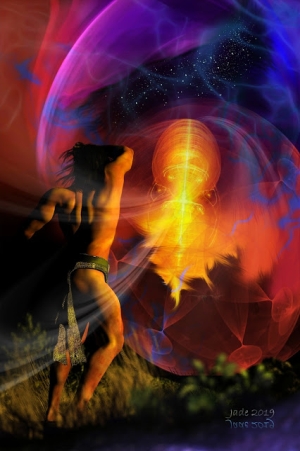
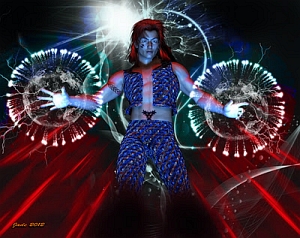
Shaman
Elven Warrior
Mars Rider
The Goblin Queen
Huge thanks to all the folks following and visiting these pages...
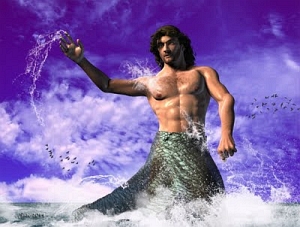
Poseidon
The Mercerary
Beastmaster
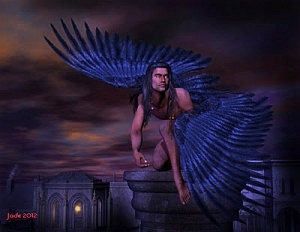
The Sentinel
I dare you!
Swordsman
Hyborian Pinup
Morning light
Conjuror
Knighthood
Little Demon
Dawn Patrol
The Fugitive
Sword Kata
The Boatman
The Duke
Friday, December 23, 2011
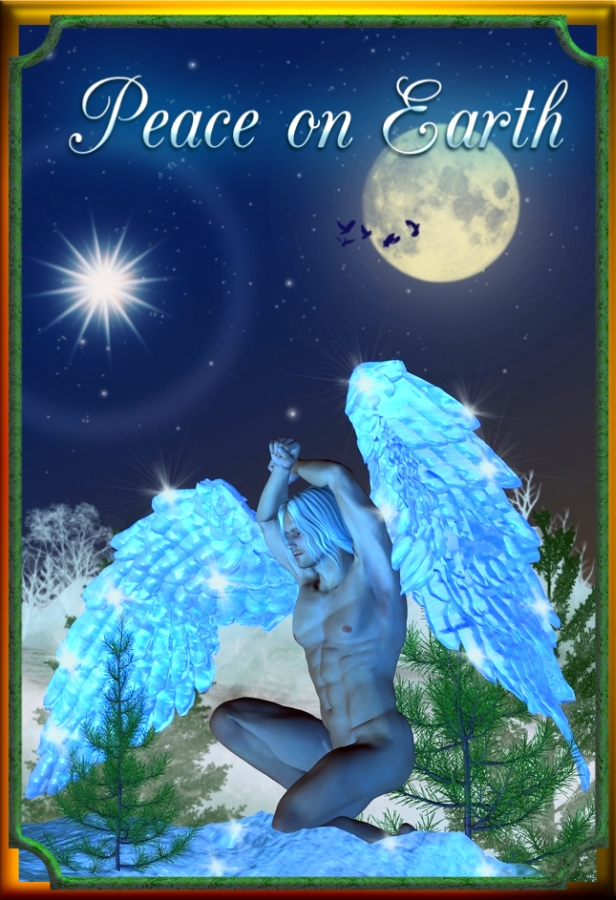
Merry Christmas -- or Happy Yuletide -- to all. I hope the 2011 holiday season is one of the best ever for everyone, and that 2012 will be a wonderful year ... or at the very least, a peaceful one.
Commenting ... has been turned OFF due to personal abuse left via the comment form. Life is too short, and mine is too fraught, for me to deal with individuals, the high point of whose day seems to be the attempt to ruin someone else's. So ... sorry, but you can no longer comment, and this really saddens me. Many of you do know me, though, and if you really would like to be in touch, you can always find me via DreamCraft...
About Jade...
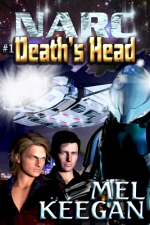
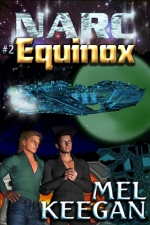
Yes, I'm "Jade from DreamCraft" ... *That* Jade, the one who used to unravel webpages that had gone haywire (still do, but only if I can't wriggle out of the job), and painted the covers for author Mel Keegan and others (still do paint covers occasionally, when I'm asked). We're downunder, in South Australia. Mostly retired now, writing/painting for the fun of it -- and, starting in 2021, selling my fiction and poetry to some leading pro markets. I love art, photography, fantasy, SF, drama. The kind of artwork you see showcased on the blog here is the perfect way to combine all.